Devices based on iOS 4.2 will return the "Cannot Verify Server Identity" error message when connecting to an email server. This error is due to the problems that iOS 4.2 has with "self-signed" SSL certificates.
To disable SSL you must follow the steps below:
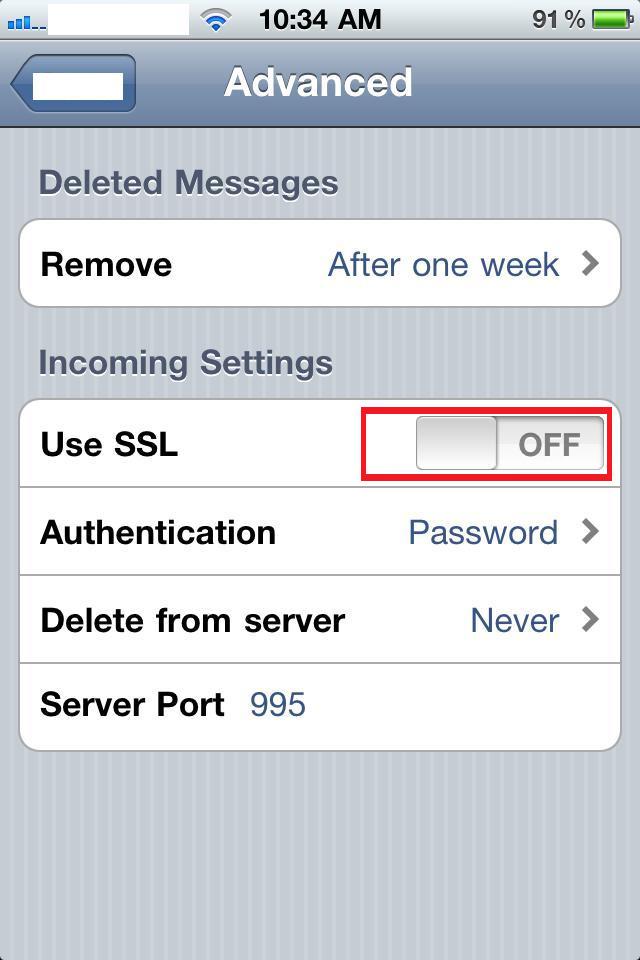
1. Select Settings, then select Mail, Contact, Calendars
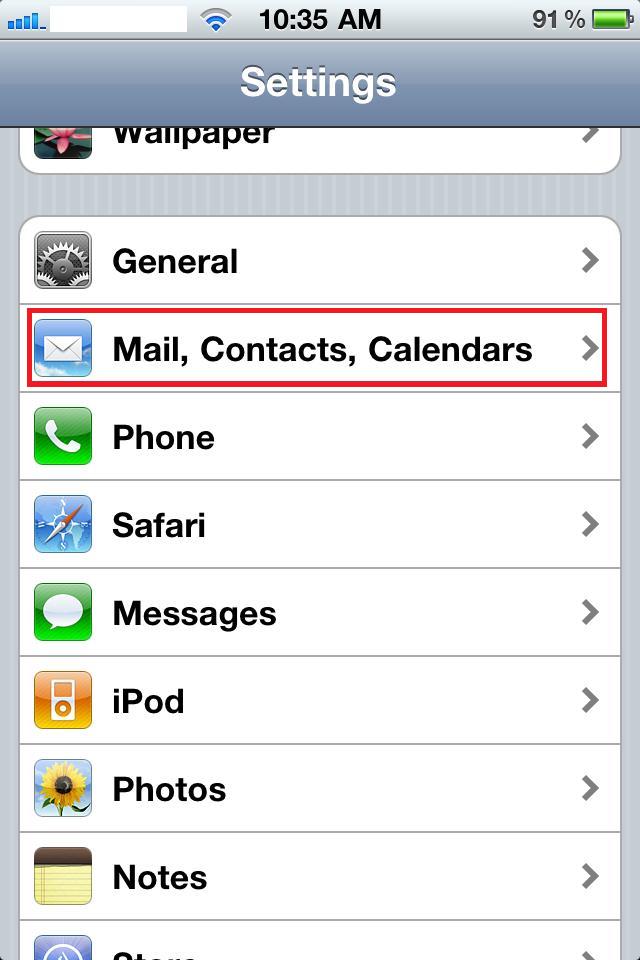
2. Select the email account
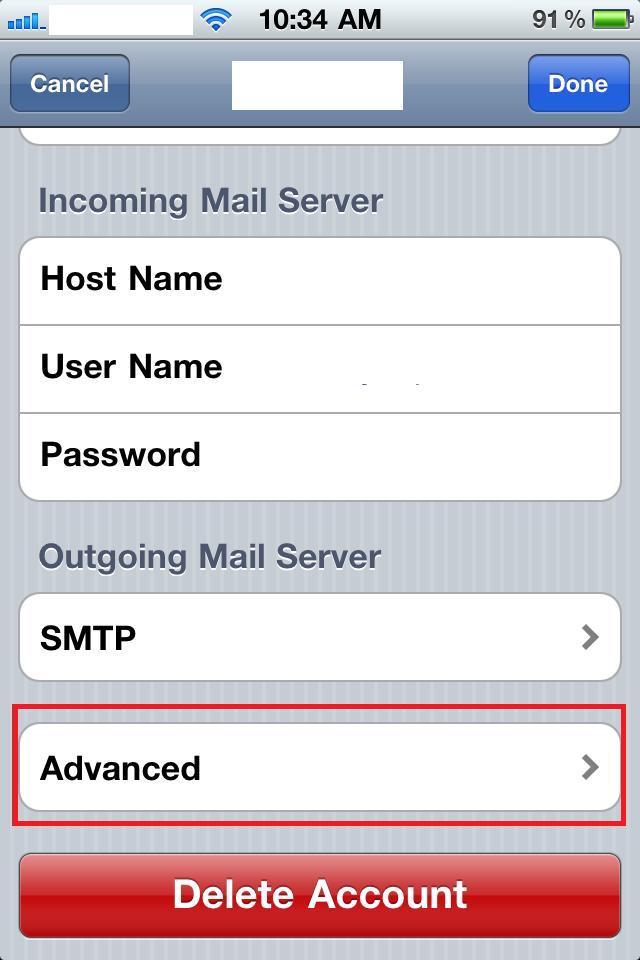
3. Select Advanced
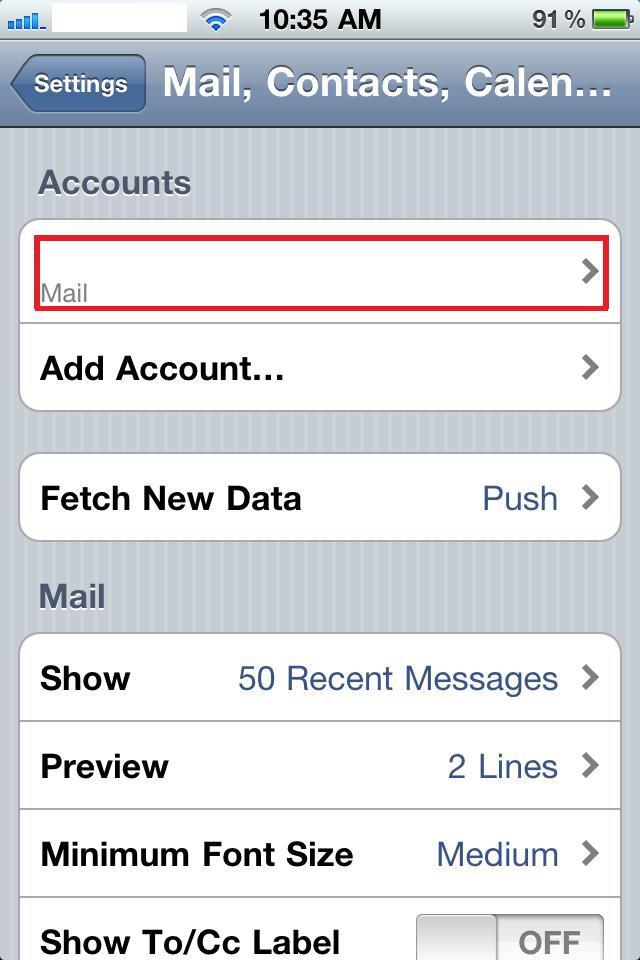
4. Switch off "Use SSL"